Document AI
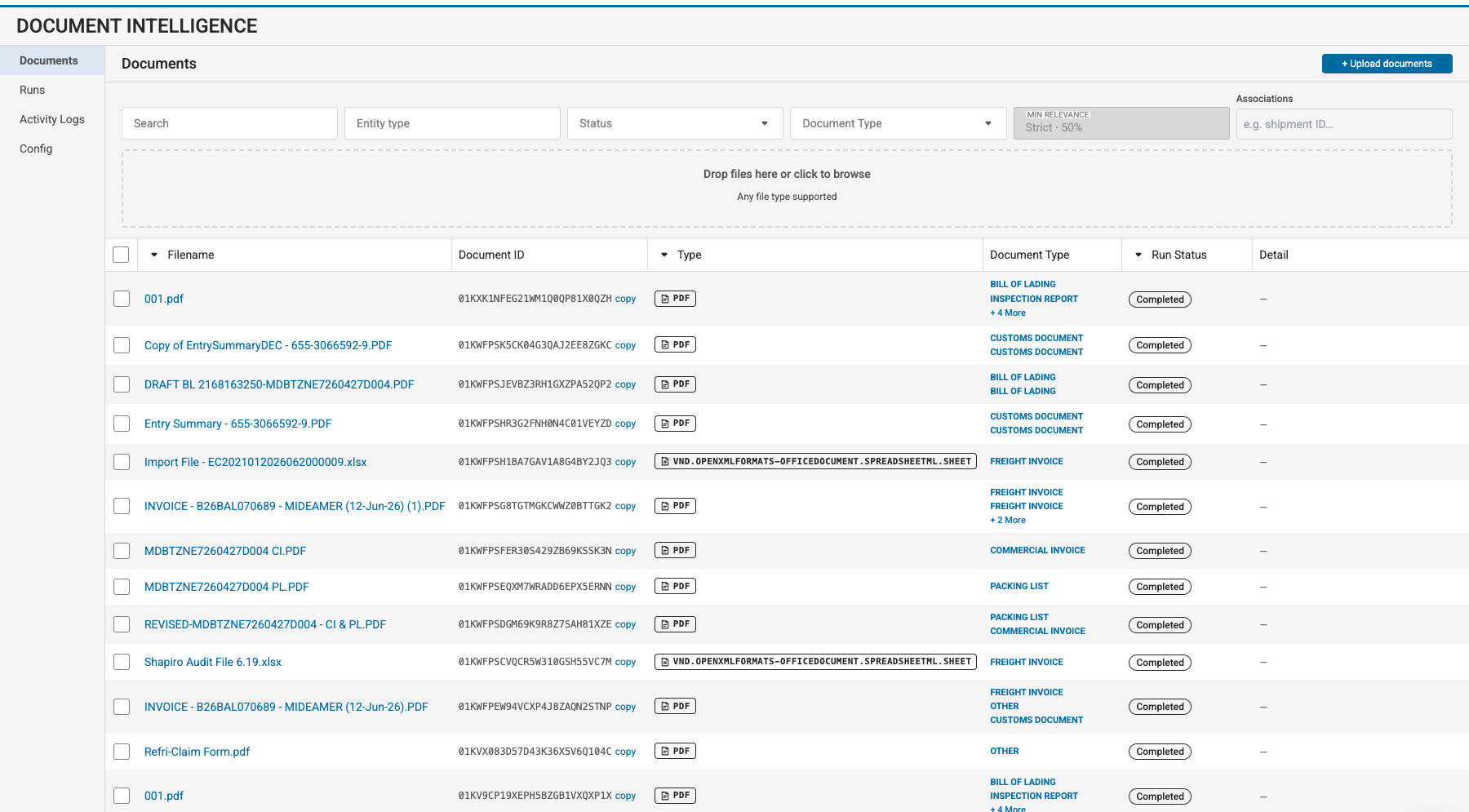
Document AI helps you upload, process, inspect, and search logistics documents. It can turn PDFs, images, spreadsheets, and text documents into structured data for downstream workflows.
What you can build
Use Document AI to:
- Extract shipment numbers, parties, dates, totals, line items, and other structured values
- Apply a Shipwell-managed configuration or create a configuration for your own workflow
- Split a PDF containing multiple logical documents into separate results
- Generate descriptions and key facts
- Make processed content available to semantic search
- Inspect extracted text, key-value fields, signatures, and source regions
- Associate documents with shipments, orders, or other Shipwell resources
- React to document lifecycle events through webhooks
Typical workflow
- Choose a processing configuration .
- Upload a document and select how it should be processed.
- Learn how processing works and monitor the run until it reaches a terminal status.
- Read the results and inspect their supporting content.
- Optionally review signatures , search , or subscribe to document events .
Access
Document AI must be enabled for your Shipwell account. Contact your Shipwell representative if the Document AI navigation or API is unavailable.
All API requests use the same Shipwell authentication described in Authentication.
Start here
Follow Getting Started for an end-to-end walkthrough using a platform-managed configuration.